iOS - 1.239.0
(01.04.2026)
Table of contents
- Added a visual warning and updated instructions for fingerprint enrollment on Tedee Keypad Pro.
- Implemented haptic feedback for lock and unlock button interactions and status updates.
- Redesigned lock and unlock buttons in the device details view with new colors and animations.
- Added a toggle to enable or disable haptic feedback in the main application settings.
- Remote door sensor status monitoring is now available for administrators via the Tedee Bridge.
- Significantly improved performance of the sharing access process for users with large contact lists.
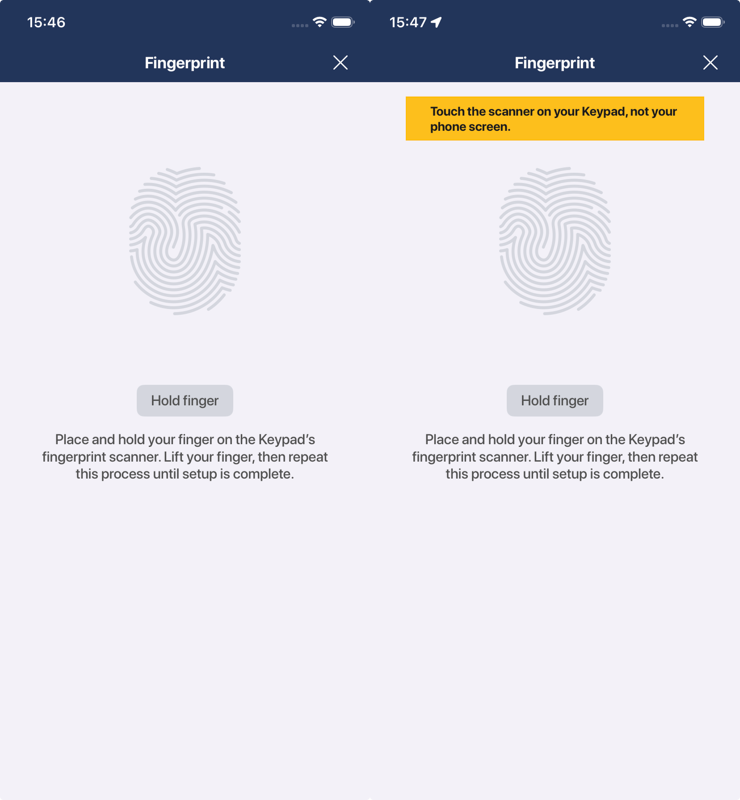
Added a visual warning and updated instructions for fingerprint enrollment on Tedee Keypad Pro.
To streamline the fingerprint enrollment process for the Tedee Keypad Pro, we’ve added a new visual warning that appears if a user taps their phone screen when they should be placing their finger on the keypad’s scanner. We have also updated the on-screen descriptions to provide clearer guidance throughout the setup.
Implemented haptic feedback for lock and unlock button interactions and status updates.
Users will now experience tactile confirmation through haptic feedback when interacting with the main lock and unlock buttons. Feedback is triggered not only upon pressing the buttons but also when a locking or unlocking operation is successfully completed, or if an error occurs, providing a more intuitive sense of the device’s status.
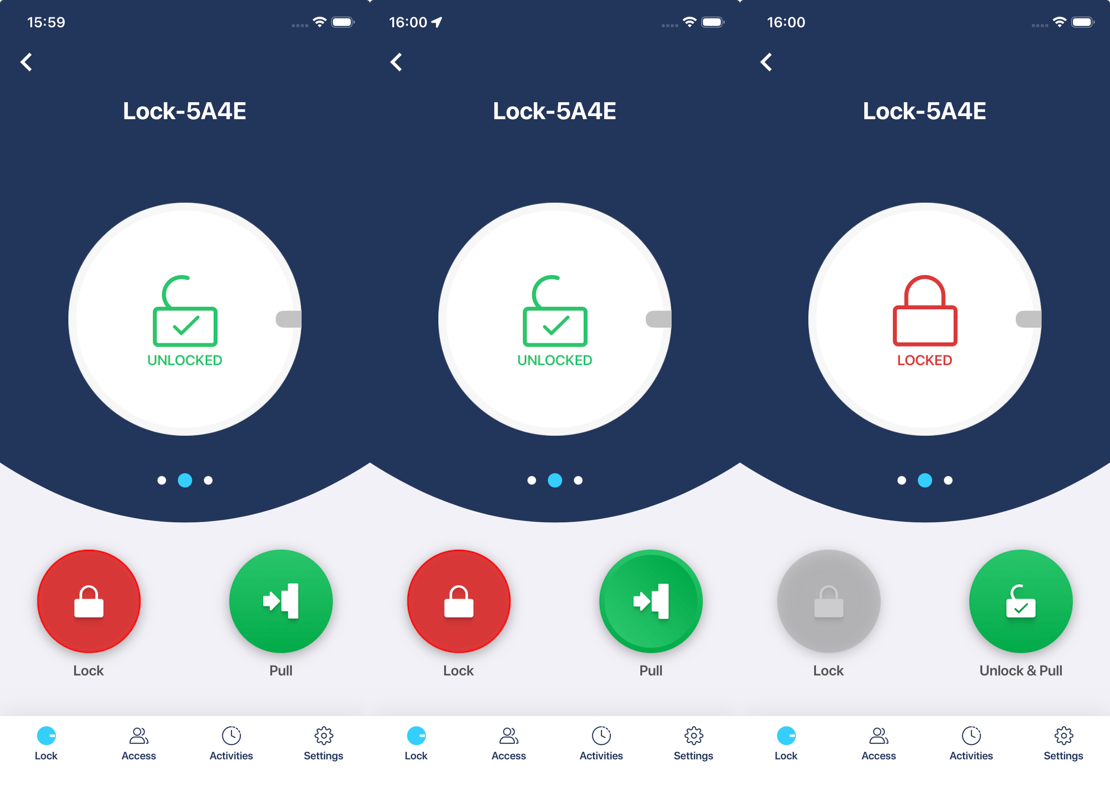
Redesigned lock and unlock buttons in the device details view with new colors and animations.
The lock details page features a fresh look for the primary control buttons. This update introduces a new color palette and enhanced visual behavior when buttons are pressed, making the interface more modern and responsive.
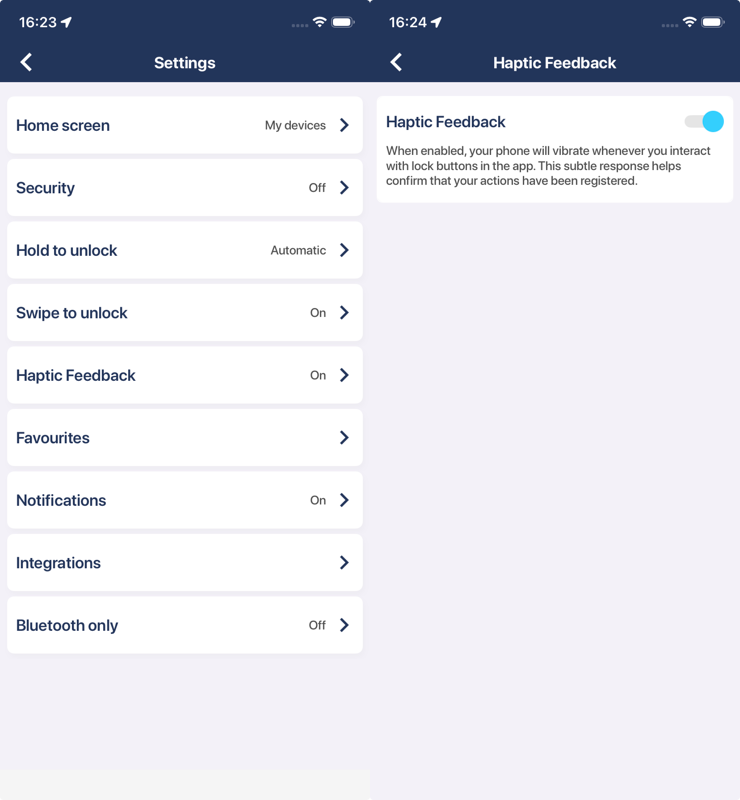
Added a toggle to enable or disable haptic feedback in the main application settings.
You can now customize your interaction experience by enabling or disabling haptic feedback. This new toggle can be found in the main “Settings” menu accessible from the side navigation bar.
Remote door sensor status monitoring is now available for administrators via the Tedee Bridge.
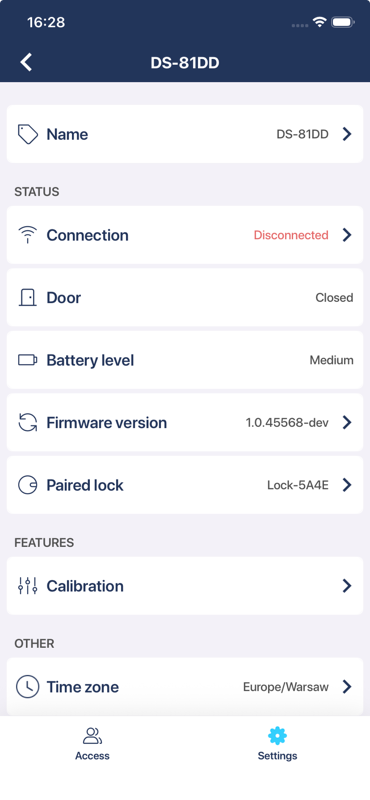
Administrators can now check the status of their Tedee Door Sensor even when away from home. When the door sensor is paired with a Tedee Lock and connected via a Tedee Bridge, the app will automatically display the sensor state over a remote connection if Bluetooth is unavailable.
Significantly improved performance of the sharing access process for users with large contact lists.
We have resolved a performance issue where users with over 10,000 contacts experienced significant lag or freezing when trying to share access. By optimizing how the app imports and displays contact data, the sharing process is now smooth and responsive for all users, regardless of their address book size.