Portal - 1.229.0
(22.09.2025)
Table of contents
User groups management
Introducing comprehensive user groups functionality that streamlines access management for organizations of all sizes. The new groups system provides centralized management of user permissions through organized group structures.
Groups page
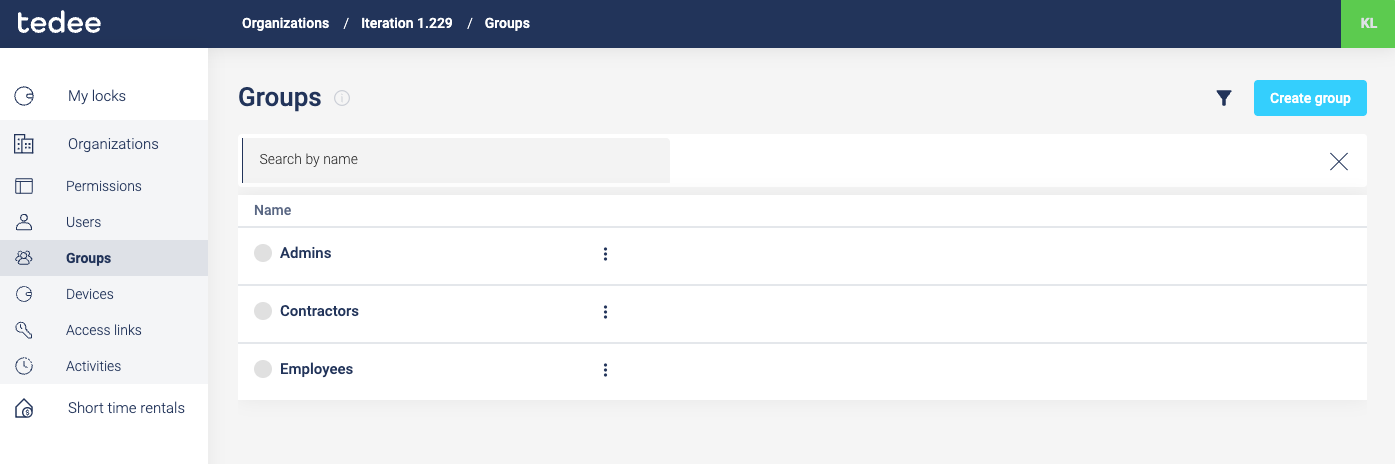
The new Groups page serves as the central hub for organization-wide group management. Administrators can view all existing groups and create new ones using the “Add group” button. This page provides an overview of all groups within the organization, making it easy to manage and organize user access at scale.
Group members management
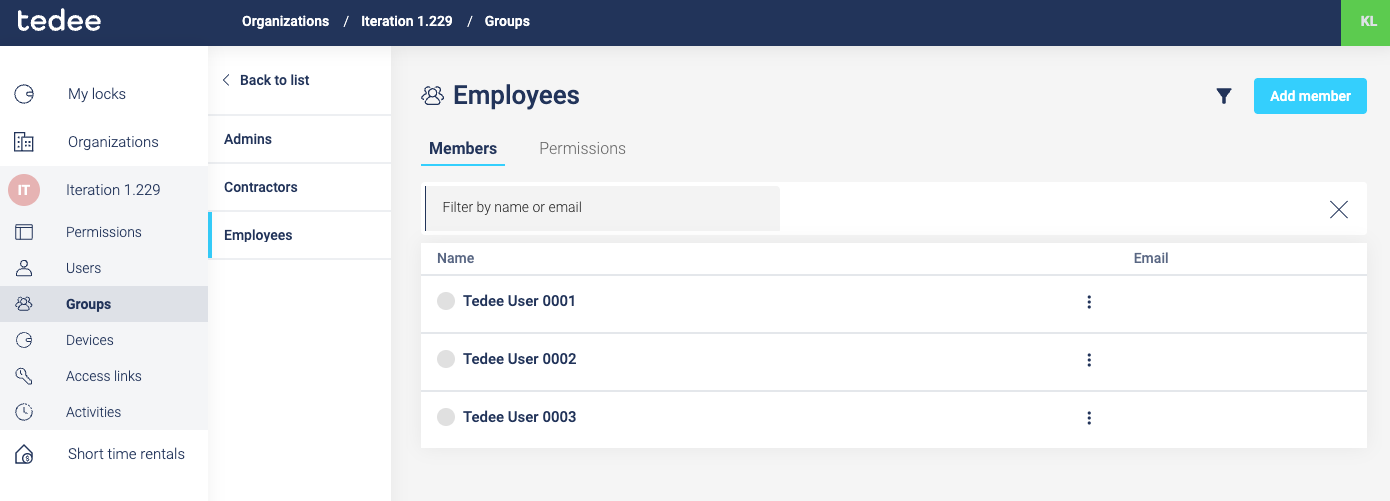
Each group features a dedicated Members page where administrators can easily add or remove users from specific groups. This centralized member management eliminates the need to configure individual user permissions repeatedly, allowing administrators to simply assign users to appropriate groups during onboarding.
Group permissions management
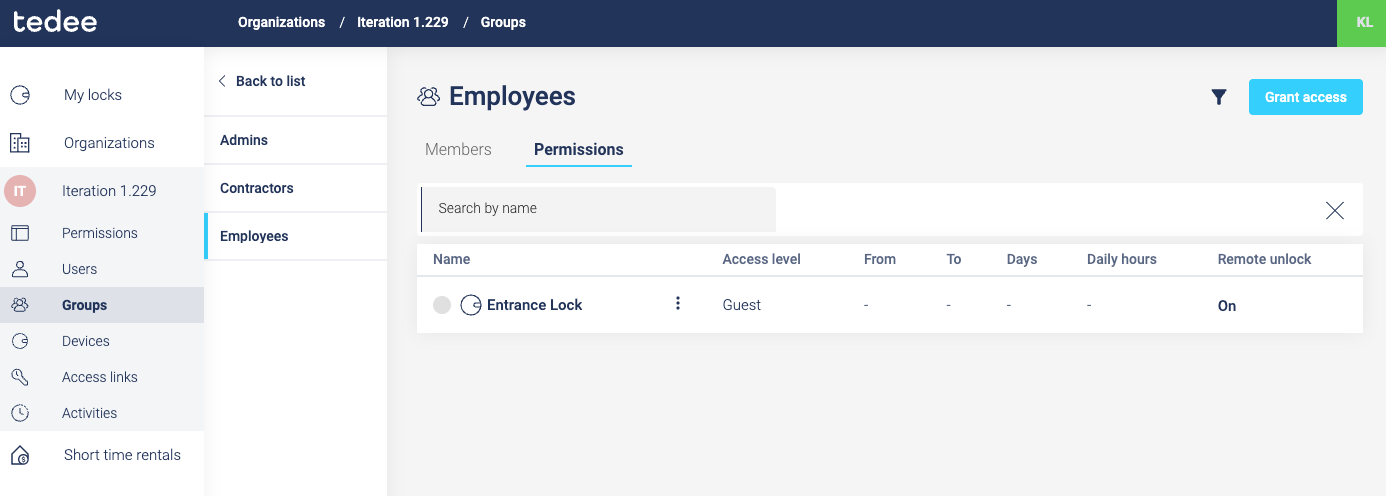
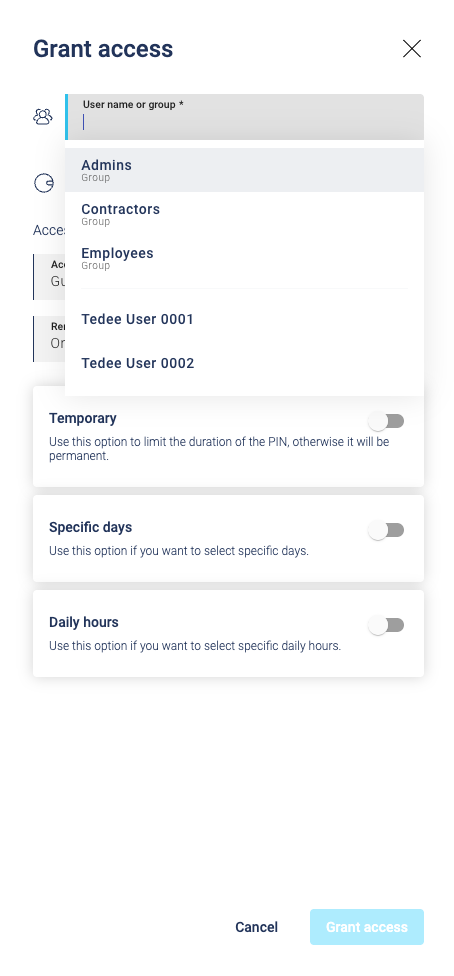
The Groups permissions page enables administrators to grant device access to entire groups at once. Instead of configuring access for individual users, permissions can be assigned to groups, automatically applying access rights to all current and future group members. This approach significantly reduces administrative overhead when managing access to locks and devices.
Enhanced permissions visibility and management
The portal now provides comprehensive visibility into user access rights with clear distinction between direct and group-based permissions. This enhanced system allows administrators to audit and manage access efficiently across the organization.
Permission matrix
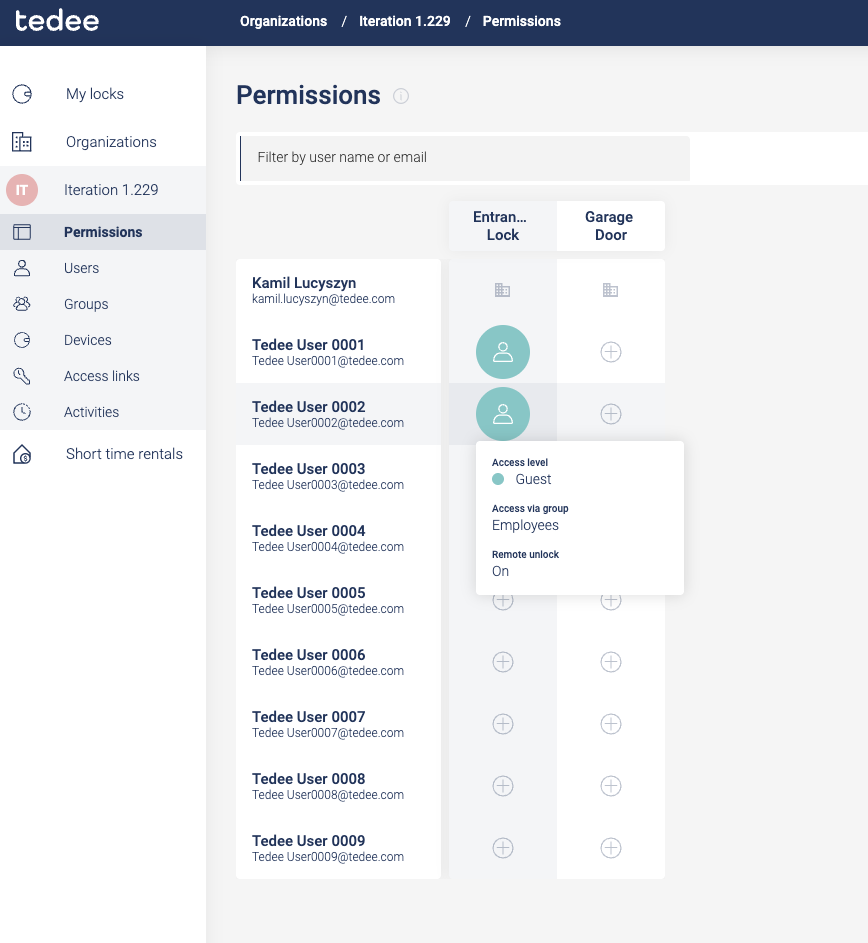
The new permission matrix provides a complete overview of user access rights, clearly indicating whether access is granted directly or through group membership. Administrators can modify only direct access permissions from this matrix, while group-inherited permissions are displayed as read-only for transparency and audit purposes.
User devices overview
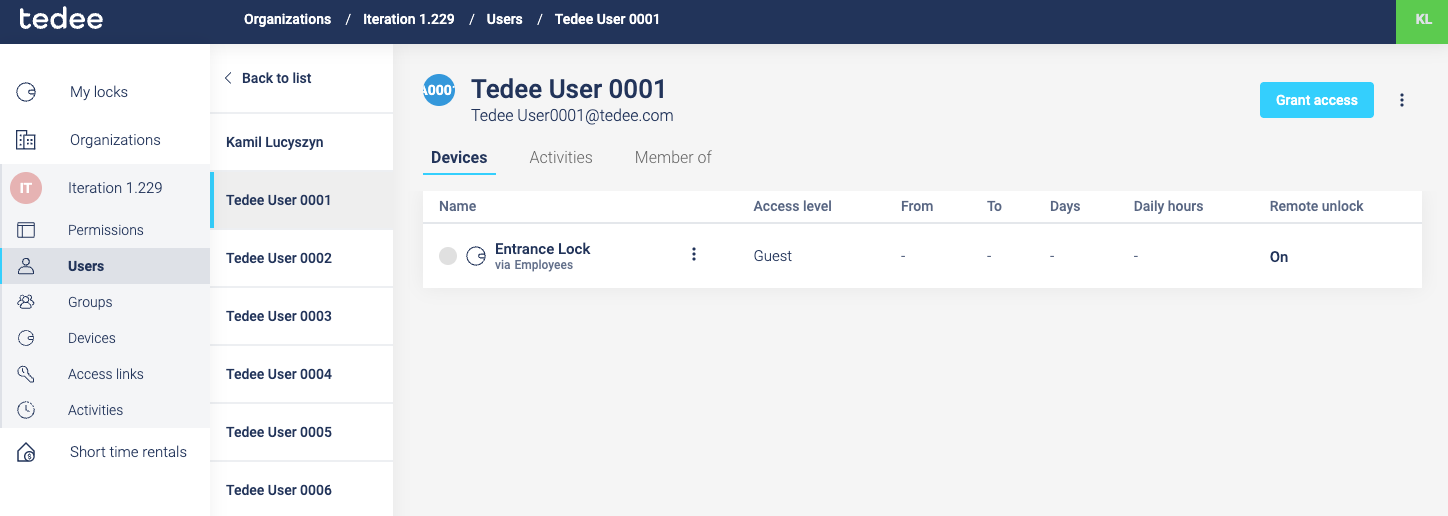
The User devices page displays all devices that a specific user has access to, with clear indicators showing whether access is granted directly or inherited through group membership. This consolidated view helps administrators quickly understand each user’s complete access profile across the organization.
User group membership visibility
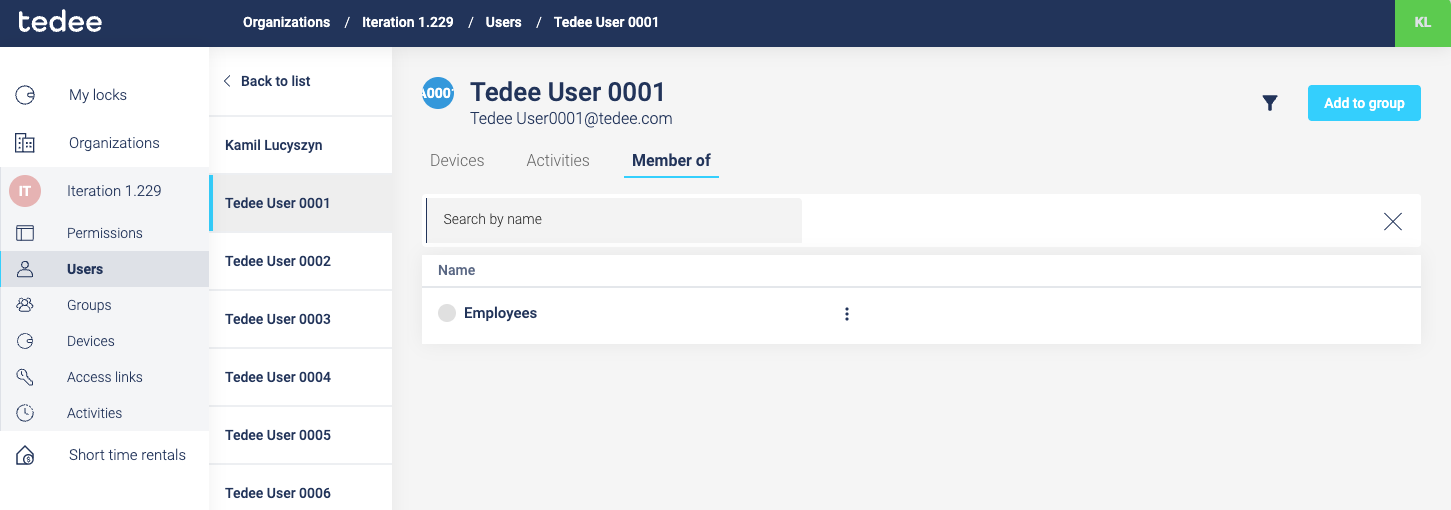
Individual user pages now display which groups the user belongs to, providing administrators with complete visibility into a user’s group memberships. This feature makes it easy to understand the source of inherited permissions and manage user access through group assignments.
Users list with group assignment
The main Users page now includes functionality to add users to groups directly from the user list. This streamlined workflow allows administrators to quickly assign users to appropriate groups without navigating to separate management pages, improving efficiency in user onboarding and access management.
