Portal - 1.219.0
(23.04.2025)
Table of contents
New my locks grid view
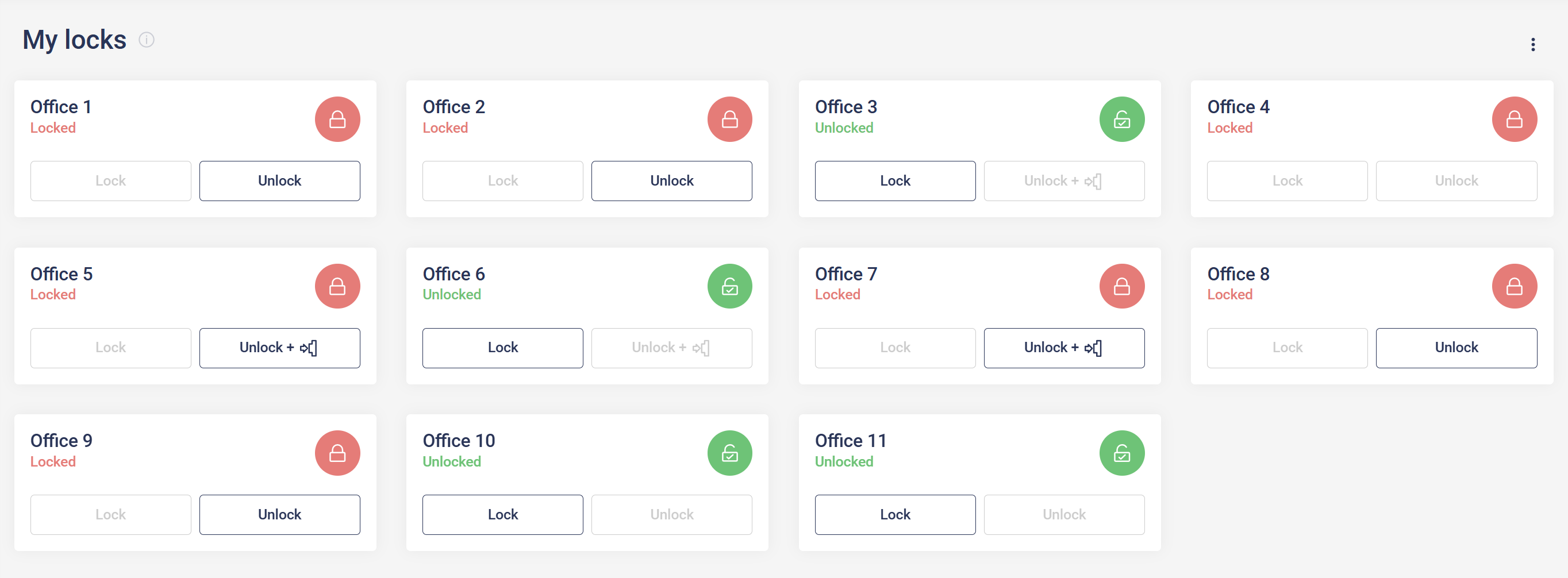
Starting now, the default view for locks has changed. Users will see a paged list displaying only the locks they have access to. The functionality of lock actions remains the same as in the previous grouped view. To return to the old grouped view, users can change the mode using the page context menu located in the upper right corner of the page.
Device details - users page filtering
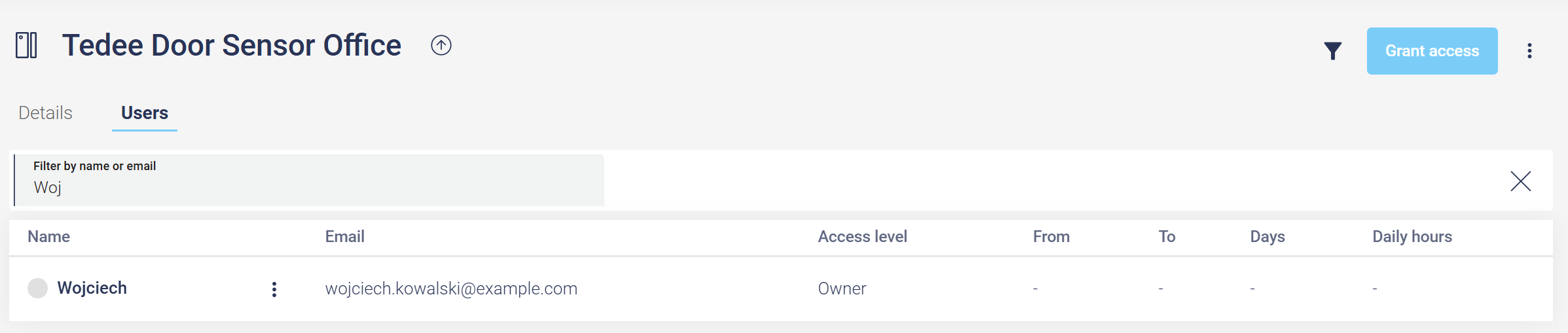
The Users page under the Device Details now includes filtering functionality. Users can be searched by name or email, allowing for quicker and more efficient navigation.