iOS - 1.219.0
(22.04.2025)
Table of contents
- Added an informational pop-up notifying users that support for iOS 14 and iOS 15 will end soon
- Improved navigation during the lock accessory pairing process
- Enhanced the user experience on the “Add New Device” page
- Fixed an issue where a black background could briefly appear in the lock details screen
- Fixed an issue where the lock details screen could incorrectly display the lock as moving after a lock operation error
- Fixed an issue where the gate could unlock when the user performed a left or right swipe gesture
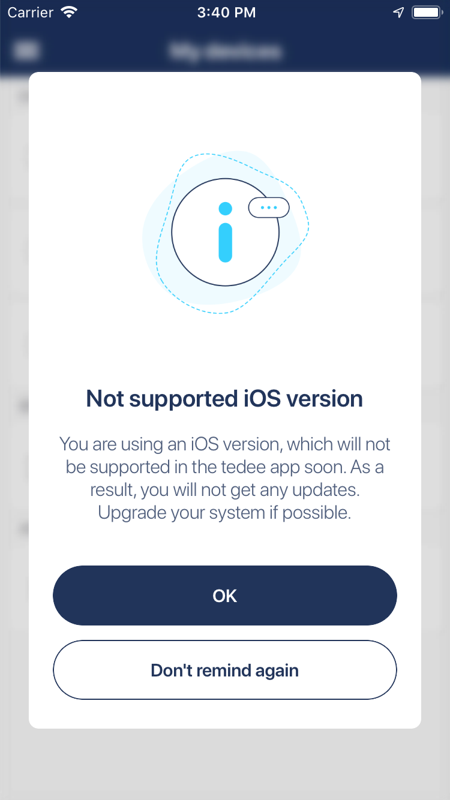
Added an informational pop-up notifying users that support for iOS 14 and iOS 15 will end soon
In near future, we are planning to drop support for iOS 14 and iOS 15 in our application. When this happens, our application running on iOS 14 or iOS 15 will still work but we do not guarantee for how long and application will no longer receive any updates. New users will not be able to install our app on iOS 14 or iOS 15 but the last supported version should be still available for all users who install our app before support for iOS 14 and iOS 15 was dropped.
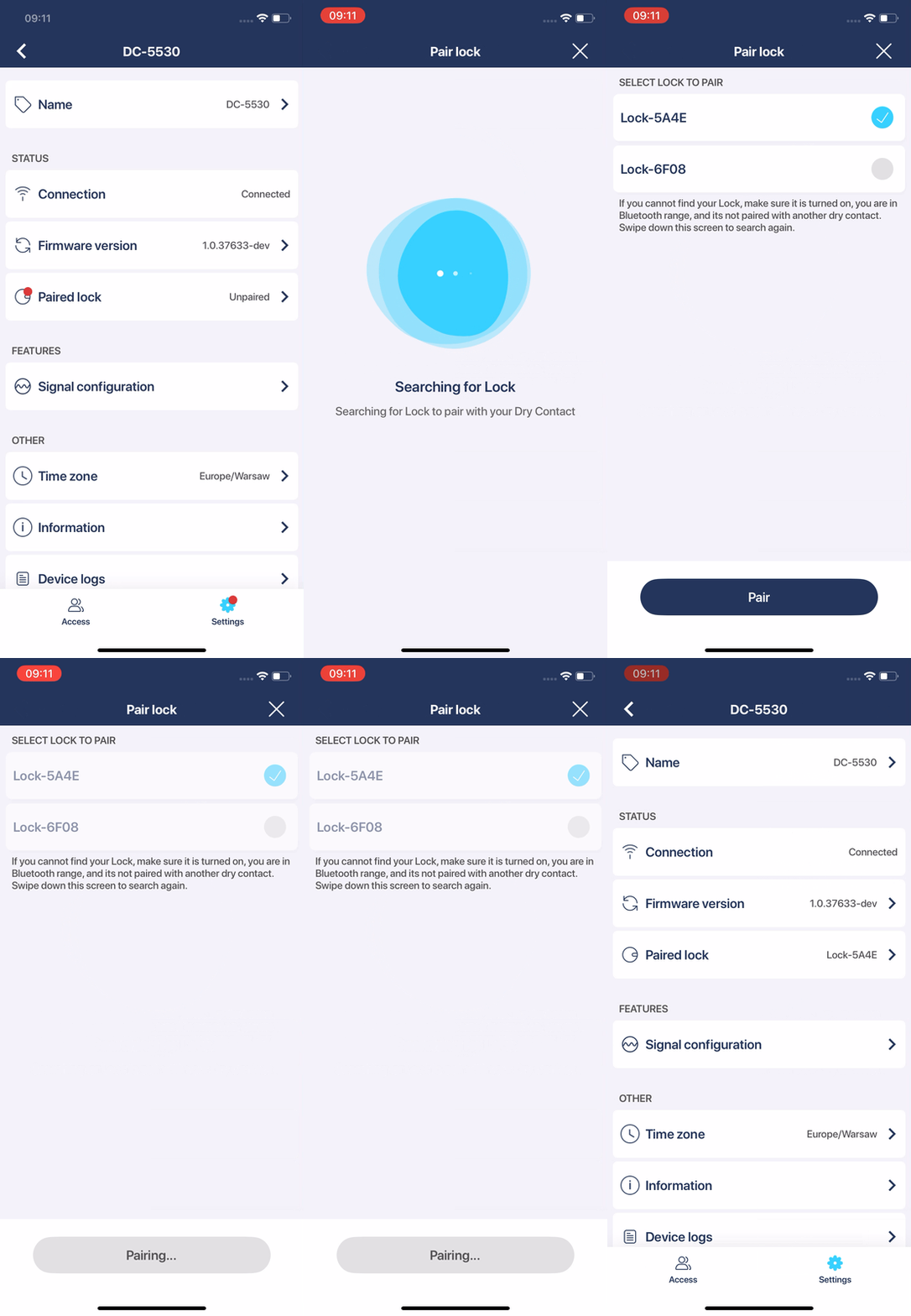
Improved navigation during the lock accessory pairing process
We improved navigation in the lock accessory pairing process. Now, after successful pairing, the user will be redirected directly to accessory settings instead of the lock accessory paired screen.
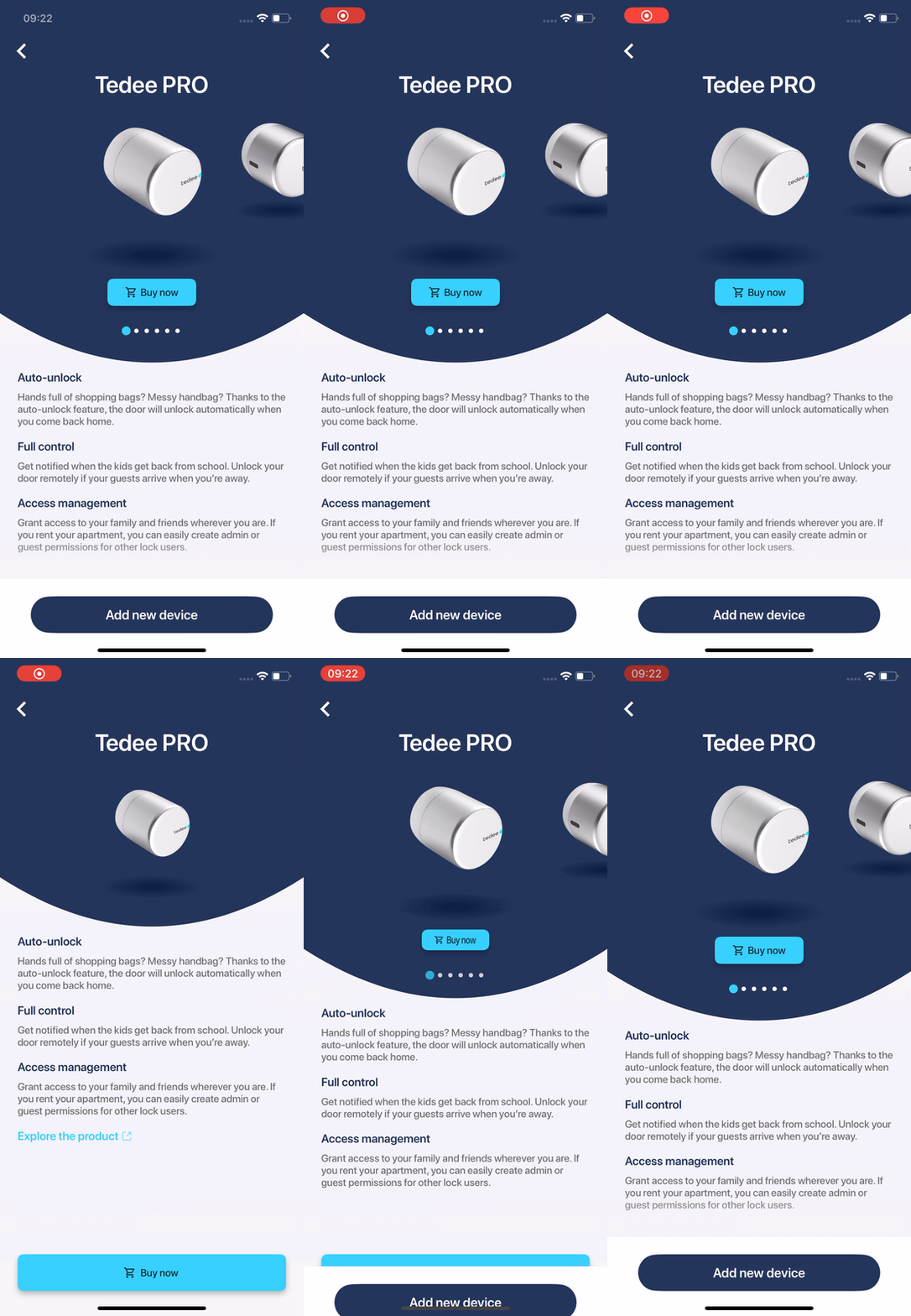
Enhanced the user experience on the “Add New Device” page
The “Add New Device” page received a small redesign. When the device description is expanded, the new buy button at the bottom of the screen appears and the previous buy button, under the device image, hides. Besides swipe up and down gestures, users can also just tap on the device description or device image.
Fixed an issue where a black background could briefly appear in the lock details screen
We fixed an issue that could show a black background just after entering the lock details page for a brief time.
Fixed an issue where the lock details screen could incorrectly display the lock as moving after a lock operation error
We fixed an issue that prevents lock status updates after the lock operation error until the user manually performed pull to refresh action.
Fixed an issue where the gate could unlock when the user performed a left or right swipe gesture
We fixed an issue that could unlock the gate when the user used swipe left or right gesture to switch the gate on the gate details page. To trigger this behavior, the user had to start swipe left or right gesture on the gate icon.